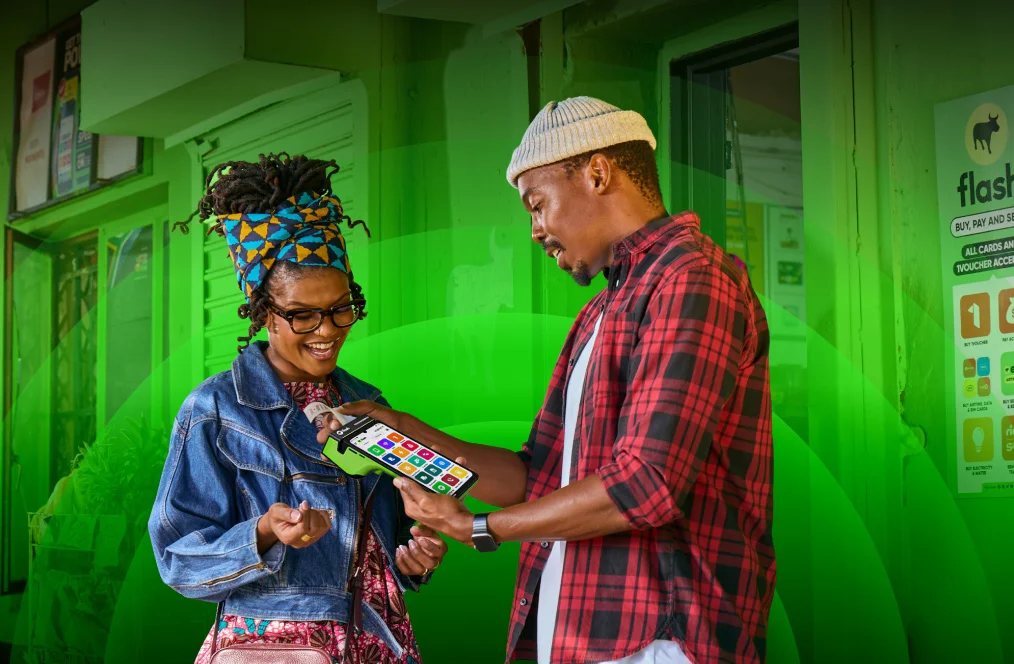
Social Grant cash-outs save time and money
Make it easier for customers to access their social grant payments with the Social Grants cash-out solution on your Flash machine. It’ll help SRD, childcare, old age and disability grant beneficiaries in your community to get their Social Grant payment without taking a long trip into town.
How to cash-out your Social Grant payment
Turn your cash on hand into Social Grant payouts through your Flash machine. Follow the below steps to make a Social Grant payout quick and easily:
Open your Flash App.
Tap ‘Social Grants’.
Enter customer’s details.
Input their One-Time-Pin.
Hand them their cash.
Your Flash Balance will be topped up instantly.
Make Social Grant cash-outs easier: Tell customers to go cardless
You can make it even easier for them to receive their social grant payment without their social grant card by telling them to opt in to the cardless option at their local card issuing site. This will mean they’ll only need their ID and cellphone to get their social grant cash-out at your shop.